
Accuracy
How close each pour landed to the recipe, in grams — not an estimate from a bottle count at the end of the month.
Last pour · Negroni
30.2 g
target 30.0 g
+0.2 g · within tolerance

Tango · for hotels
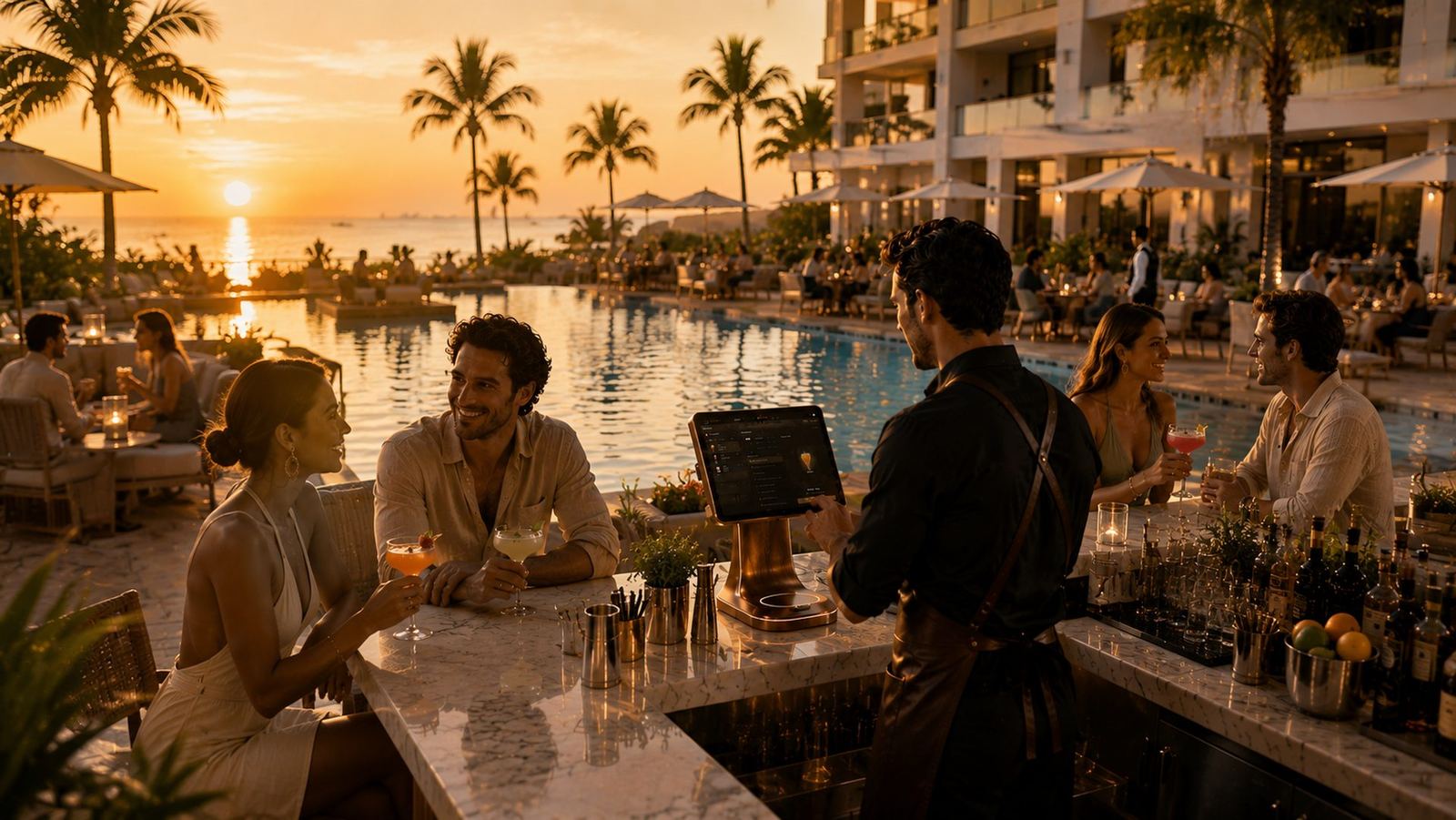
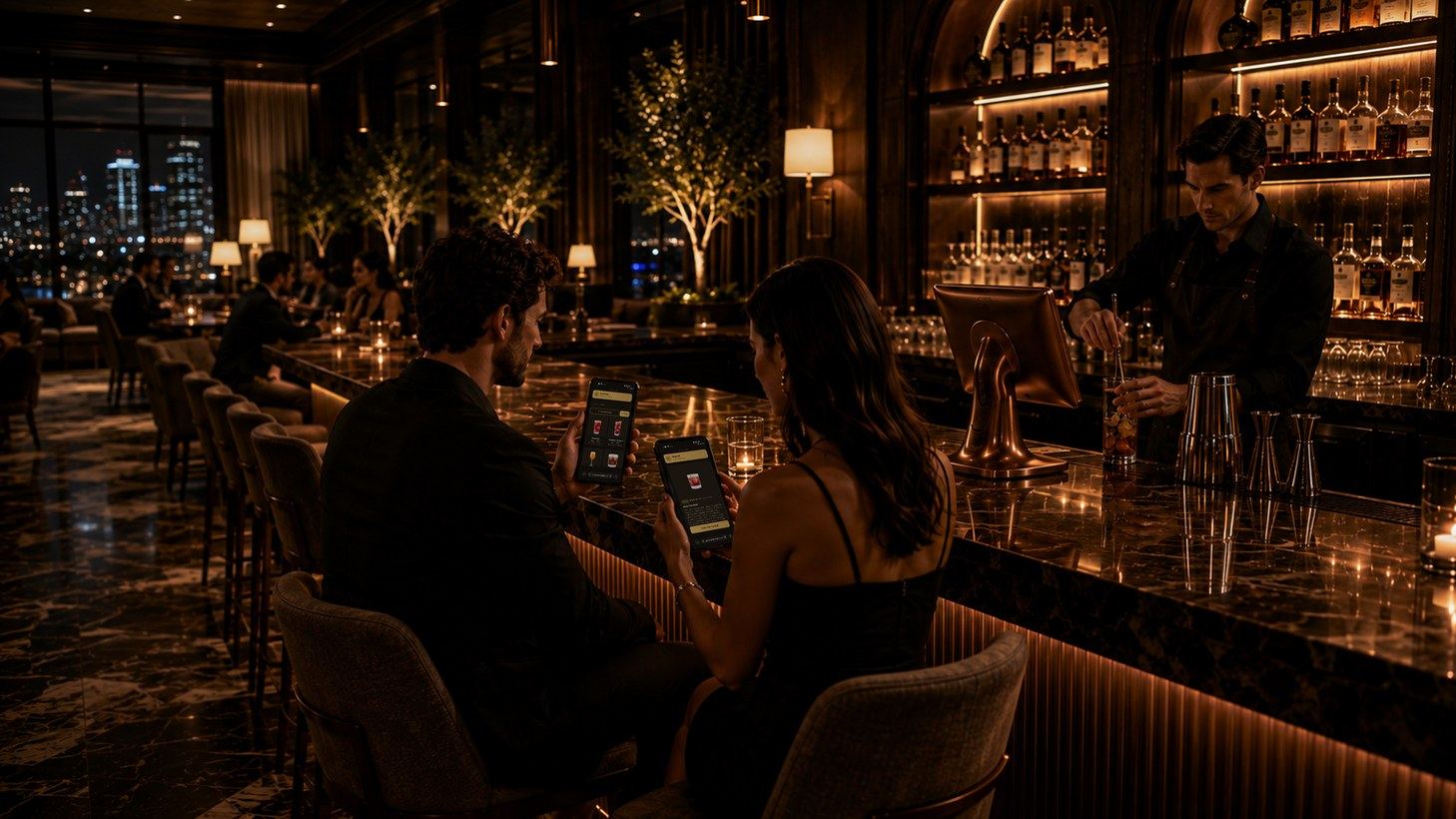
Tango connects your guests to the hotel bar. A guest scans a code, picks a cocktail or a dish in their own language, and the order reaches the bar station with the room number or the spot where they sit.
For guests

Guest Mode
Every table, room and spot gets its own QR code. Guests scan, browse the full menu and order in seconds — nothing to download, nobody to flag down.
A code on every table, room and spot opens the menu instantly — nothing to download.
Guests see your cocktails, wine and food — in their own language — and order from their phone.
The order lands at the bar station with the room or table on it, ready to make.
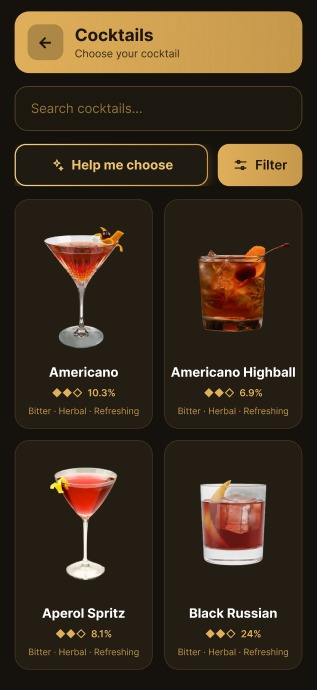
Table 12
Scan to order

For the bar
On-screen guidance
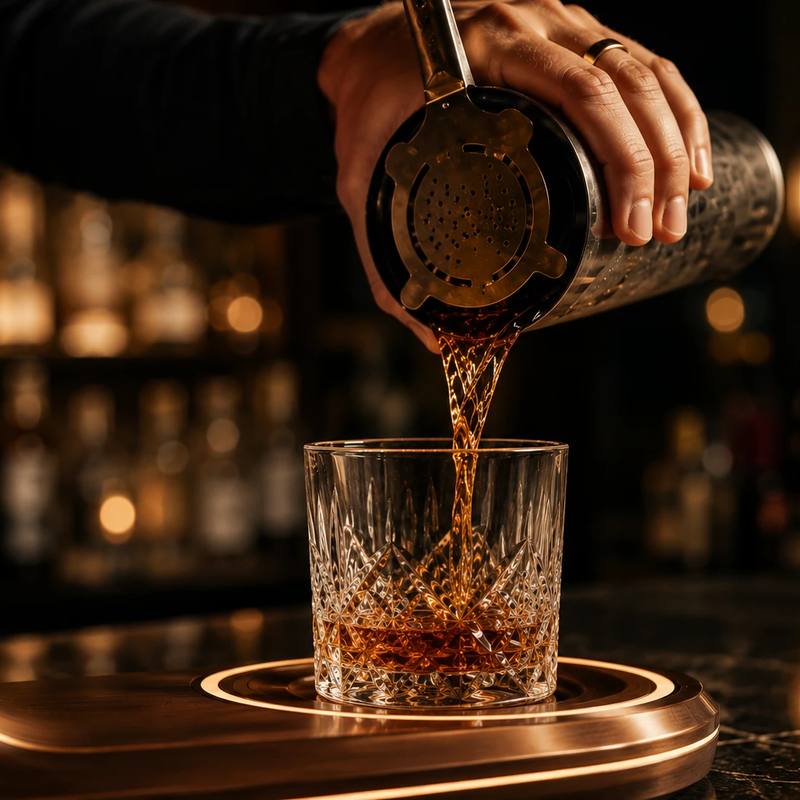
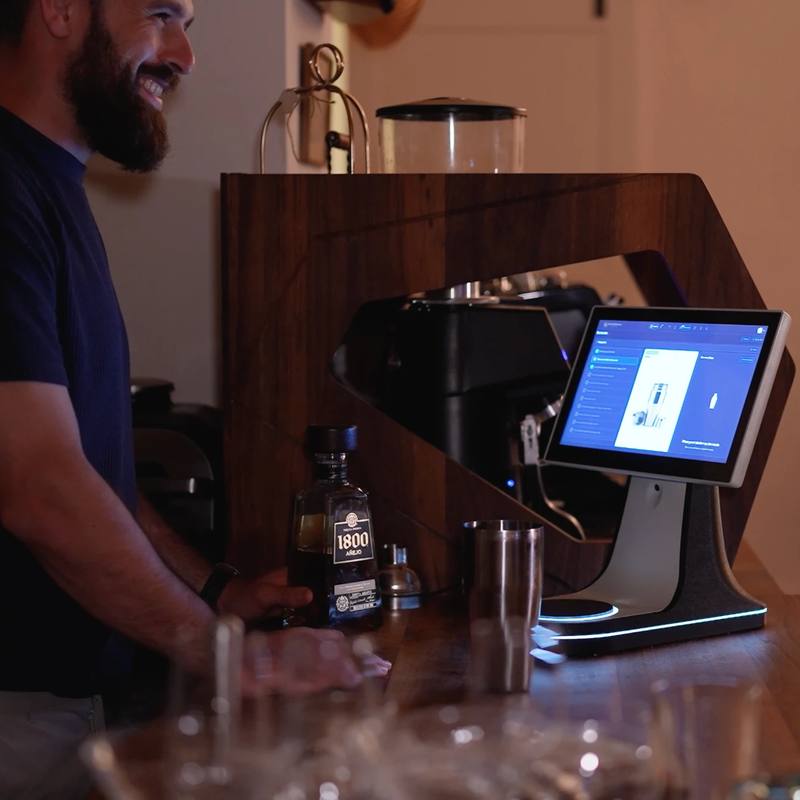
The screen guides each preparation step by step while the scale measures every pour in real time. The result is the same recipe, the same measures and the same quality — on every shift and from every member of the team.
Aperol Spritz
Fast Mode
Full guidance is right for a quiet shift and for a new bartender; it is the wrong thing at eleven on a Saturday night. In fast mode the screen shows the pours alone — the rest of the preparation folds into a single line — and the scale keeps measuring exactly as before.
Before: add ice cubes
The same order, the same scale, the same measurement. Only the screen changes.
Pour Control · pour control
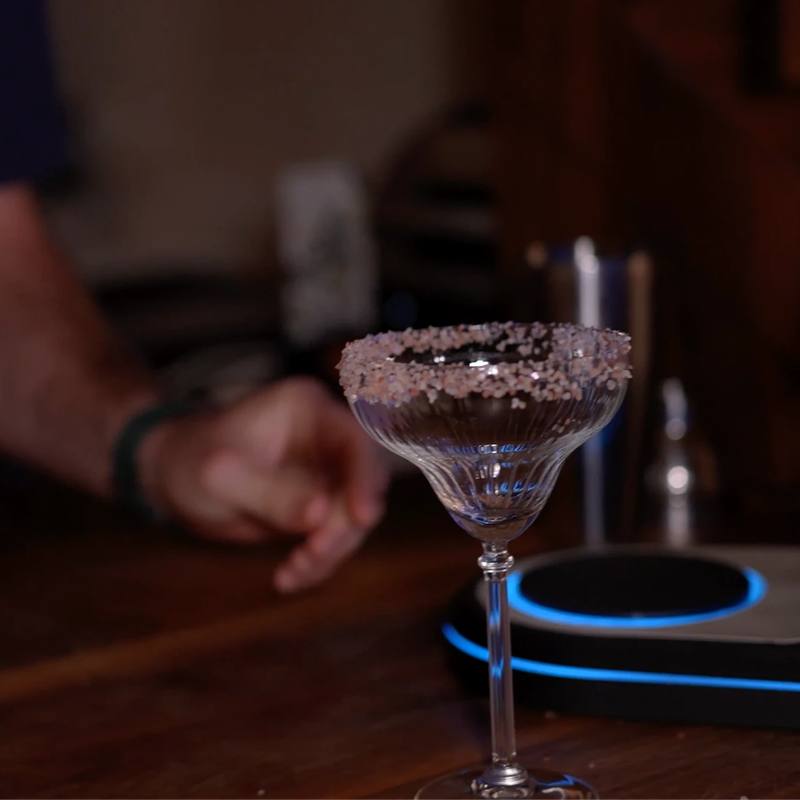
The scale under the glass weighs every pour as it happens. What comes out is not one more number at the end of the month, but a picture of how your bar actually pours.
How close each pour landed to the recipe, in grams — not an estimate from a bottle count at the end of the month.
Last pour · Negroni
30.2 g
target 30.0 g
+0.2 g · within tolerance
How fast the liquid moved and how even the pour was, so a rushed pour reads differently from a controlled one.
Both directions, separately. Over-pouring costs margin; under-pouring costs the guest the drink they paid for.
The spread between pours of the same drink. A bar can be accurate on average and wildly inconsistent in practice.
Last 24 pours · gin, 30 g
spread ±0.4 g
Per person, across shifts and weeks — who is improving, who has drifted, and who is worth having train the others.
All of it feeds the reports beside sales and stock, so a number on a report can be traced to the pour behind it.
SmartBarIQ Staff · Order alerts
A pool bar at three in the afternoon takes four orders an hour. Staffing it all day is expensive; closing it costs you the guest who wanted a drink. The order finds the right person instead — on their phone, wherever they are on the property.
Guest scans
At the lounger, the cabana, the lobby. The menu opens on their own phone.
The phone rings
Whoever is on shift gets it. The alert keeps going until someone takes it.
Someone takes it
One tap puts a name on the order. Now it cannot quietly go unanswered.
They make it
Guided on the bar, measured on the scale — the same drink as always.
Ready
The guest is told, and every step above lands in the log with its time.
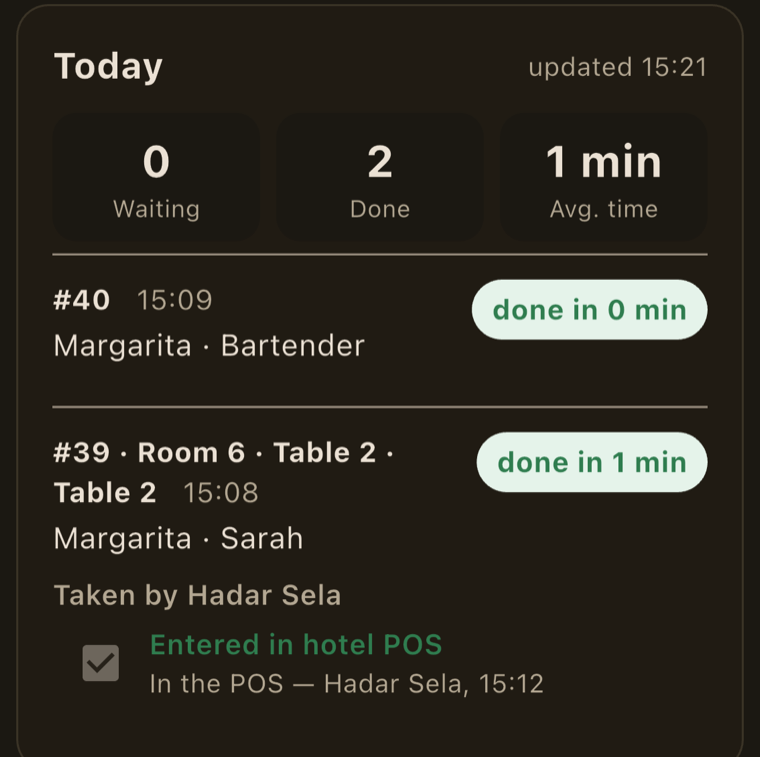
On the staff phone
SmartBarIQ Staff · now
New order · Table 2
Margarita
Keeps alerting until someone takes it
What the guest sees
A bar only takes an order it can actually fill. No waiting at an empty counter, no order nobody will make.
What management sees
Recorded on its own, every order. How long to answer, how long to make, how the afternoon actually ran.
Before
Nobody at the bar means nobody to ask. The guest gives up, or walks to reception. The bar stays staffed through its quiet hours just in case.
With order alerts
The guest orders from where they are. The right person is told, and comes. More service points stay open, on fewer people.
Guests order when they want. Staff are called when they are needed.
Inventory count
Counting a whole bar by hand takes an hour, and usually gets put off. The station knows which bottles were poured from since the last count, so the list to weigh is only those. Every weighing is compared with the expected weight, and a gap is flagged there and then — not at the end of the month.
Scale required — used since last weigh3
No scale needed — untouched since last weigh42
Complete countFor management

Wherever you want it
The station works on any counter — no plumbing, no water connection, no building work. Put it in the lobby, on the roof or by the pool, and your team pours to the same accuracy anywhere. It needs a socket and a network connection, and that is all.
Average pour accuracy, updating live
The command centre
The manage site connects every bar into one network — one hotel, one restaurant or a whole group. Menus and prices are set in one place, and sales, stock and pour accuracy come back live from every outlet.
What Tech-Bar does for you
Site survey, stations and scales, QR signage for every room and corner, integration with the POS and the hotel system, staff training, and 24/7 support and monitoring with a response within one hour.